


Description
Train Your Mind with Brain Trainer
Overview
Brain Trainer by Lumosity.com is a cognitive development tool designed for iPhone users seeking to strengthen mental faculties through structured gameplay. The software aims to improve core cognitive abilities such as memory, processing speed, attention, and problem-solving through a curated selection of eight distinct game types. Each session, composed of three games, is intended to be completed daily over a 35-session course to foster measurable mental growth. The app is tailored for individuals interested in self-directed brain health, including students, professionals, and lifelong learners who wish to maintain or enhance mental agility. Lumosity.com, the developer, is known for its science-backed approach to cognitive training, though specific details about the company’s background were not included in the provided information. Real-world use cases include daily mental warm-ups, cognitive maintenance routines, and supplementary training for academic or professional performance. While the app offers a five-session free trial, access to the full suite of games requires a subscription, limiting the long-term utility of the free version.
Key Features & Capabilities
- Cognitive Skill Targeting – Each of the eight game types is designed to assess and strengthen a specific mental domain, including memory recall, rapid decision-making, focus, and logical reasoning.
- Structured 35-Day Course – The app organizes gameplay into a progressive learning path, encouraging consistent daily engagement to support long-term cognitive development.
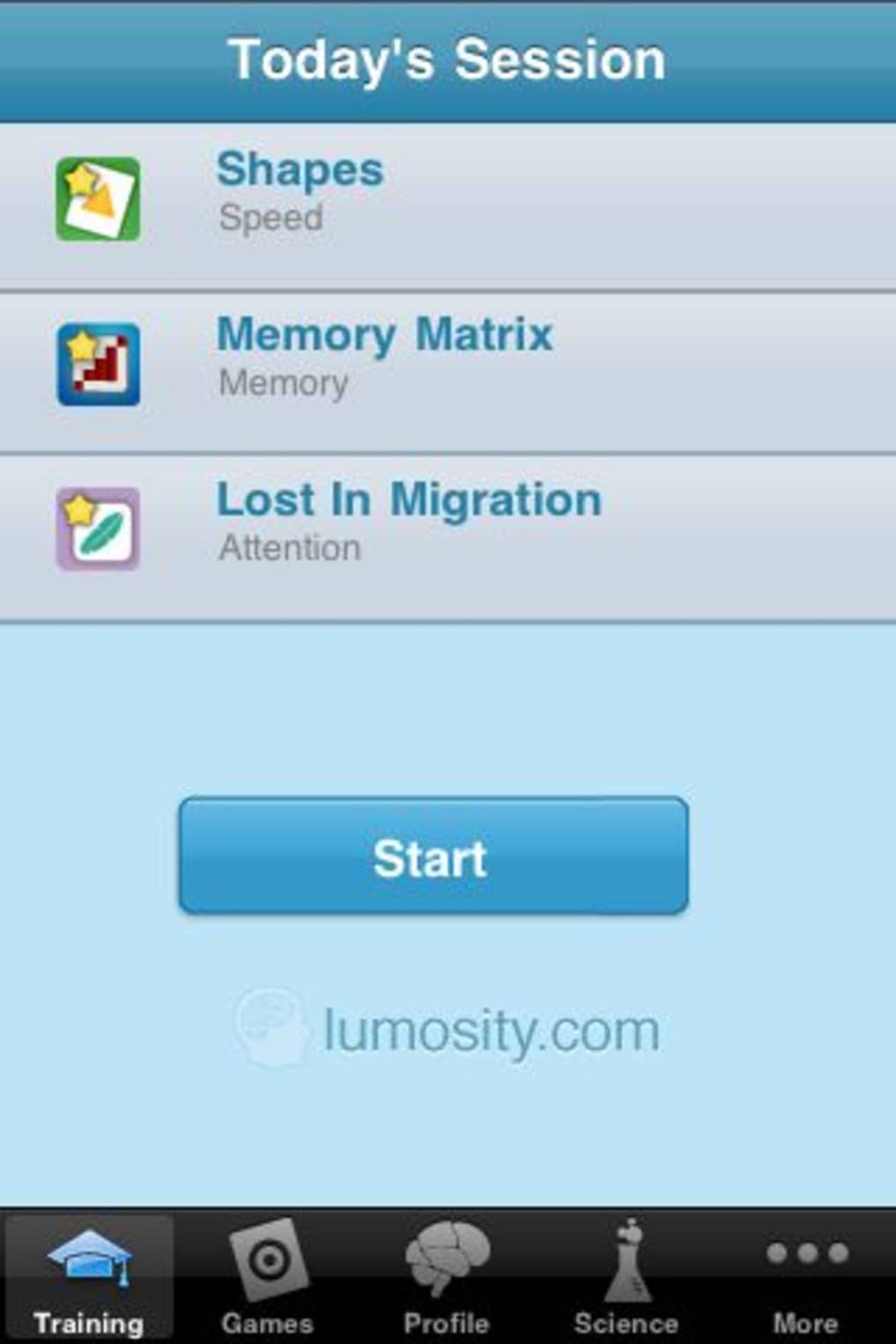
- Session-Based Gameplay – Each session includes three randomly selected games, offering variety and preventing repetition during the training cycle.
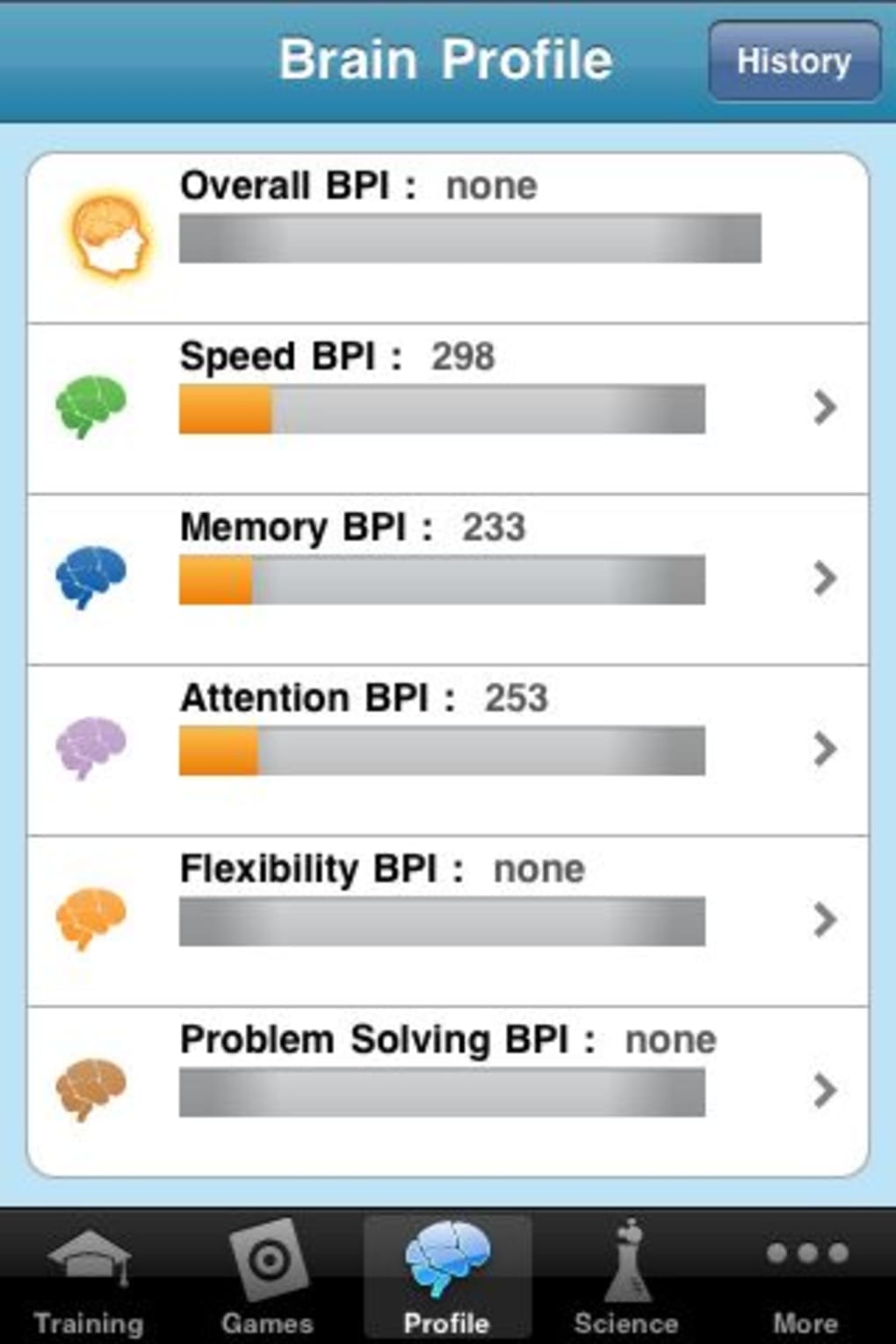
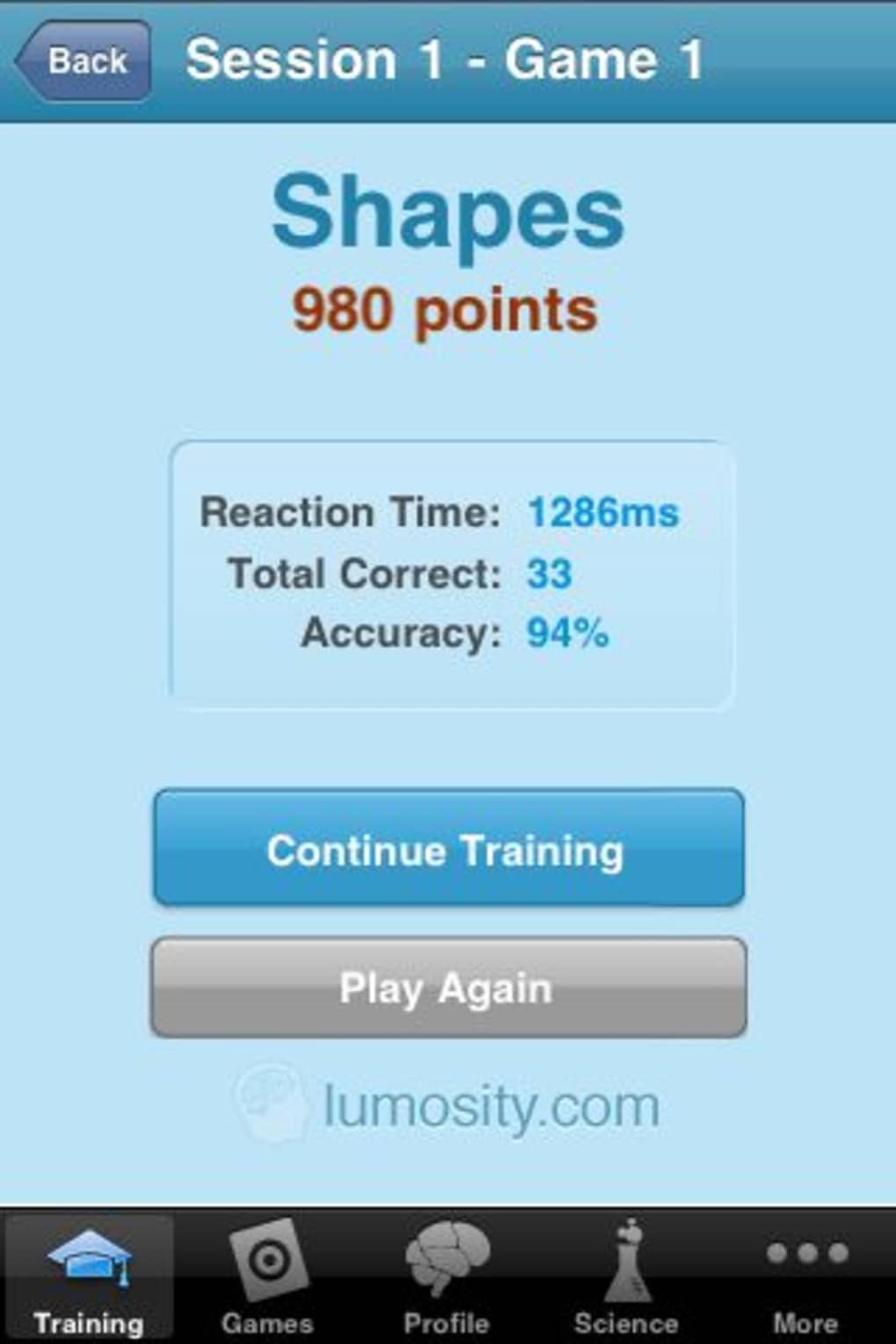
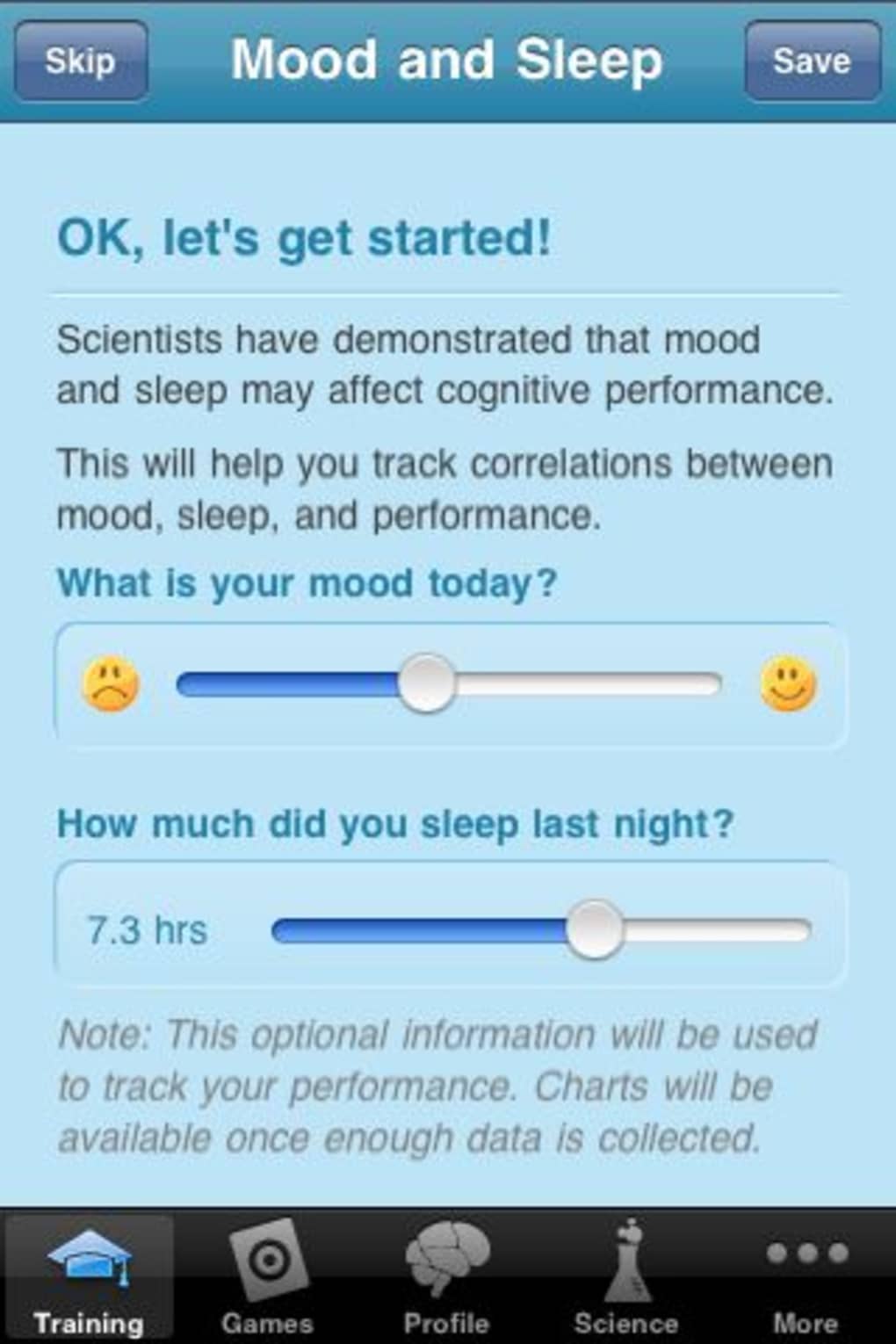
- Progress Tracking – The software records user performance across different cognitive areas, allowing users to monitor improvements over time.
- Free Trial Access – Users receive five sessions at no cost, enabling initial evaluation of the app’s interface and game mechanics.
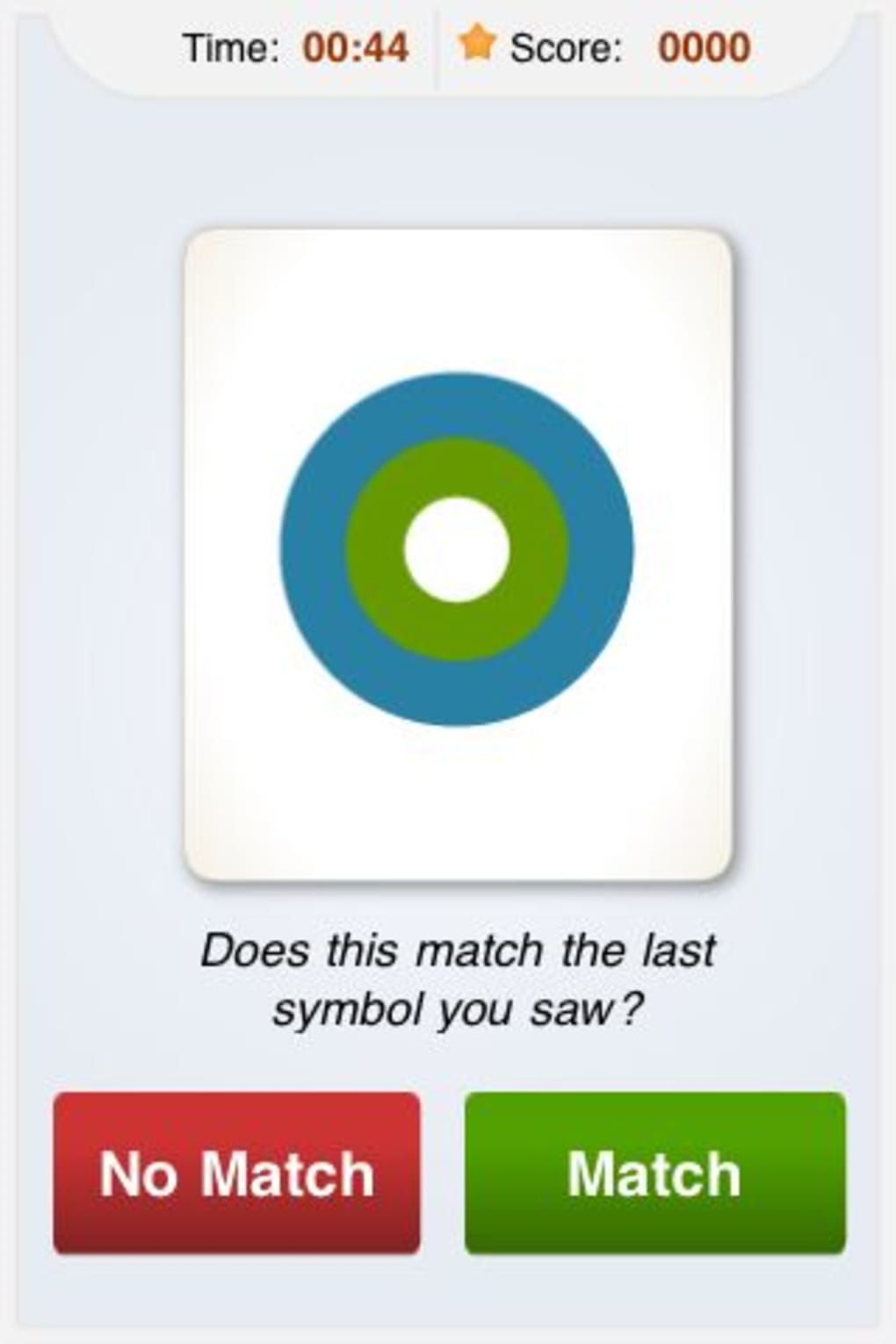
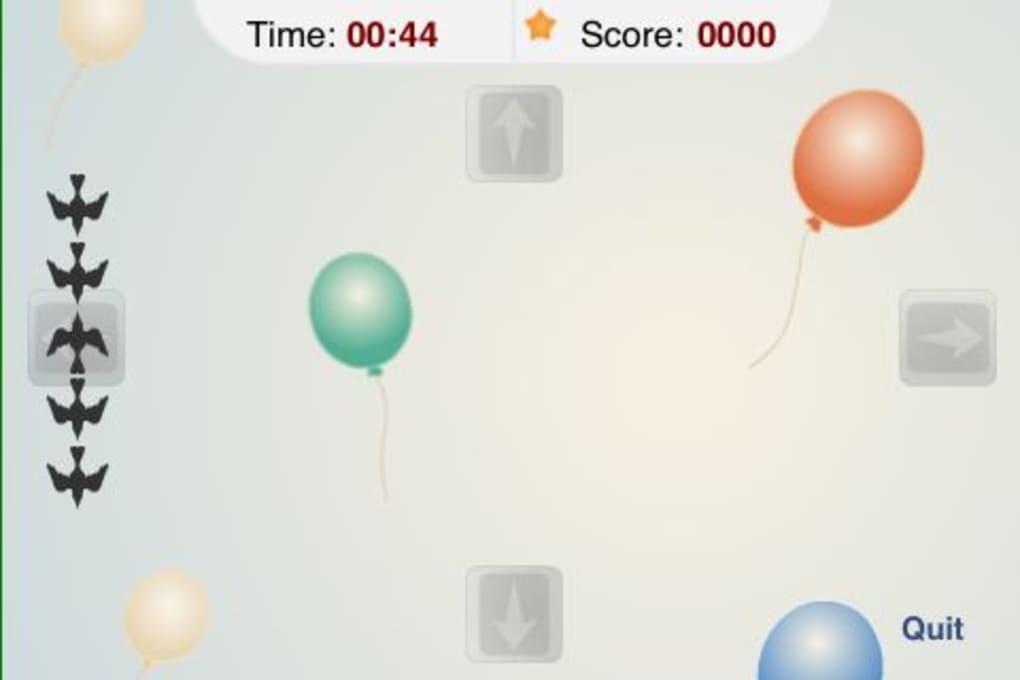
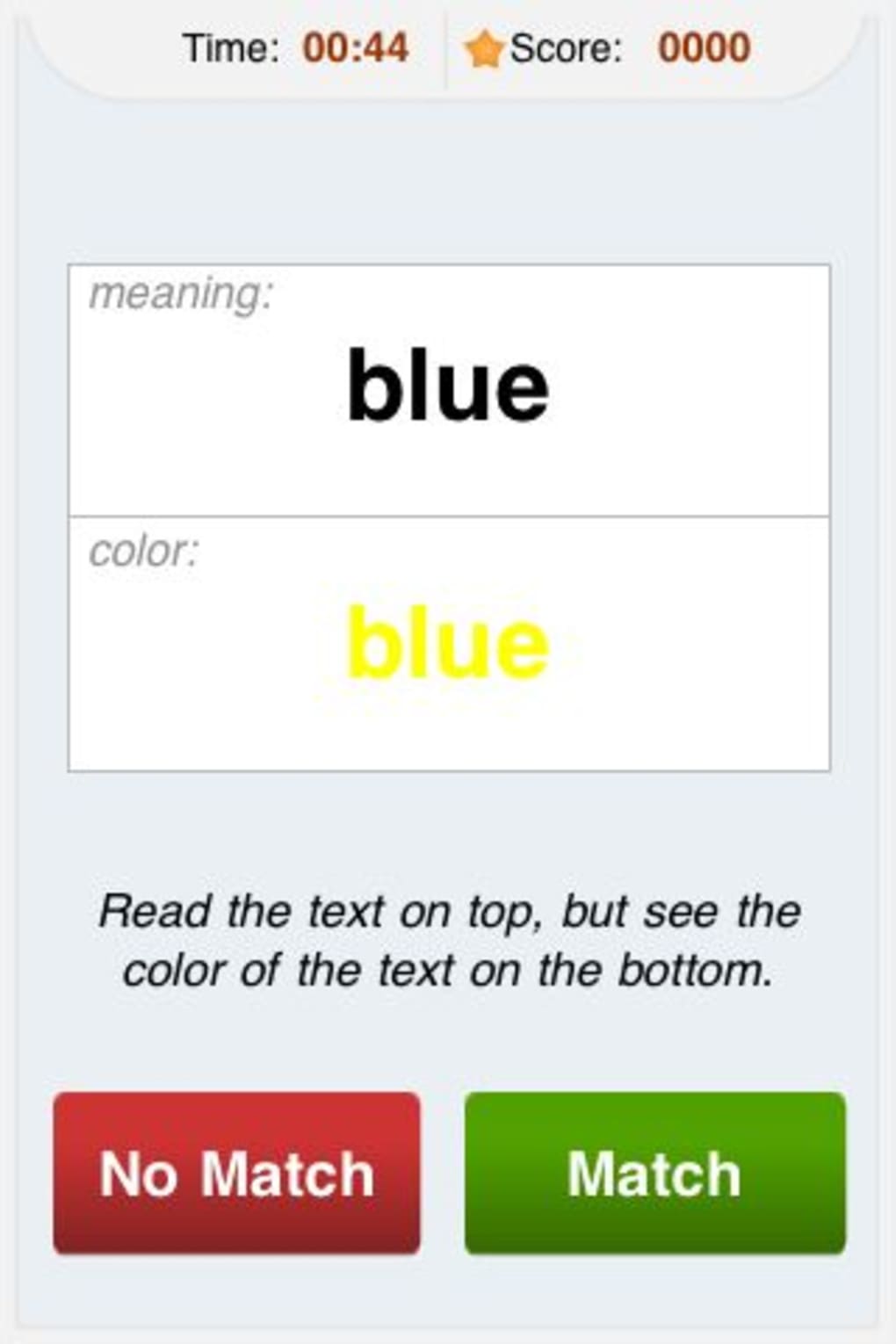
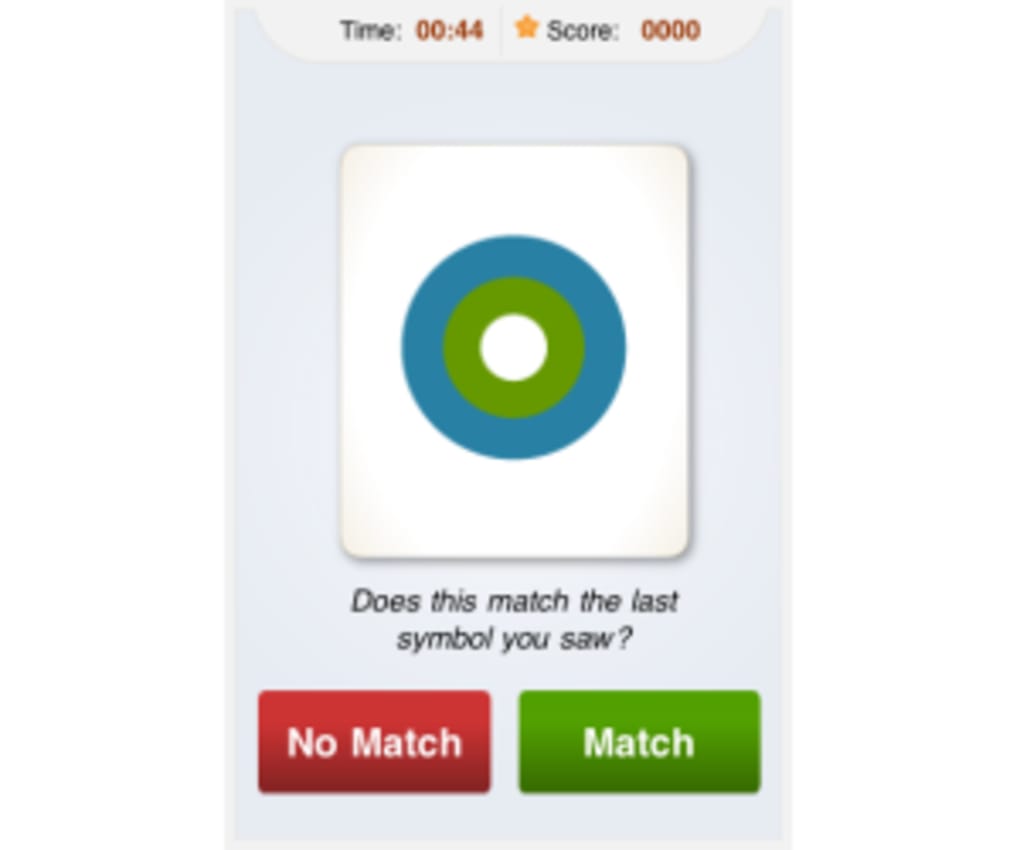
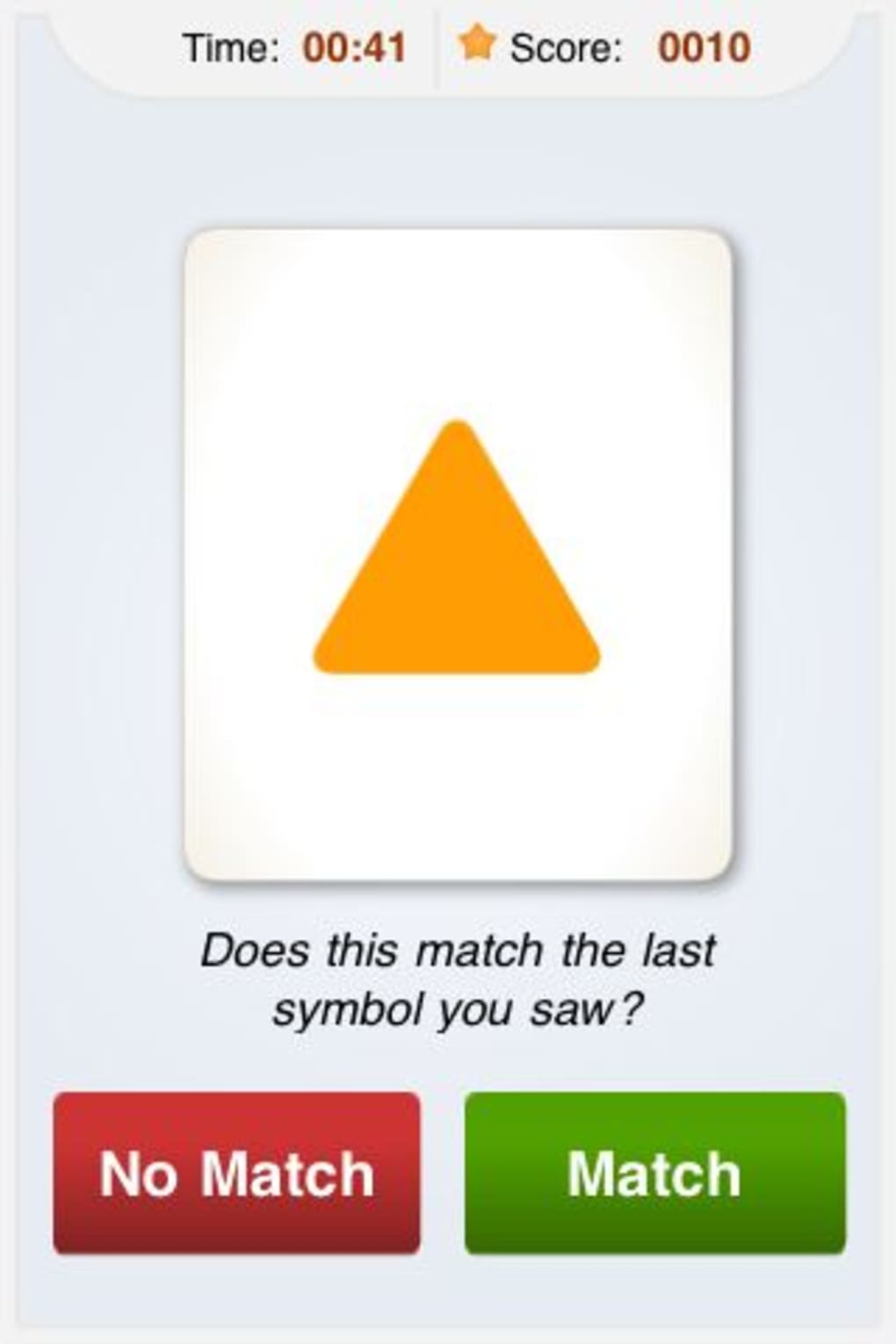
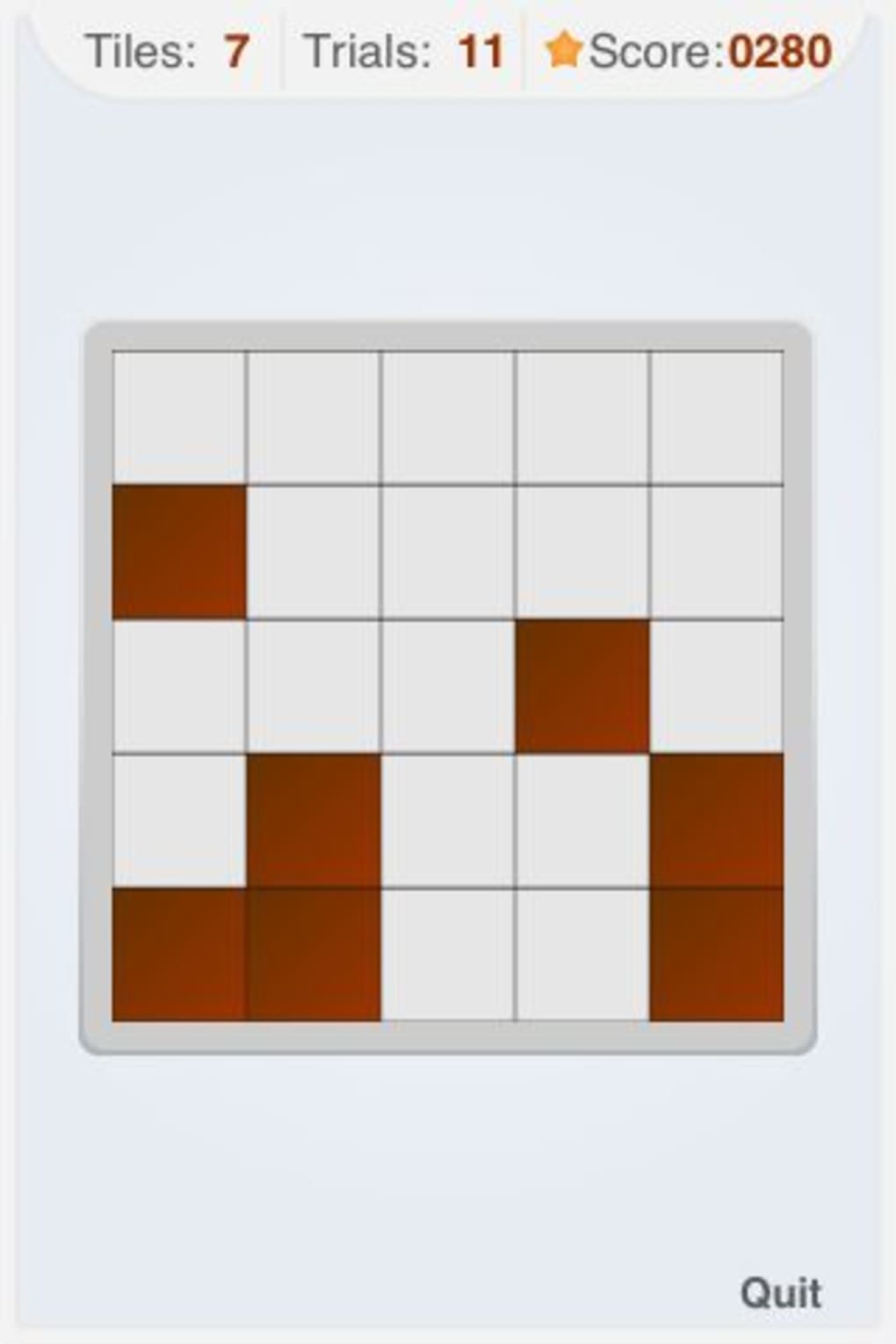
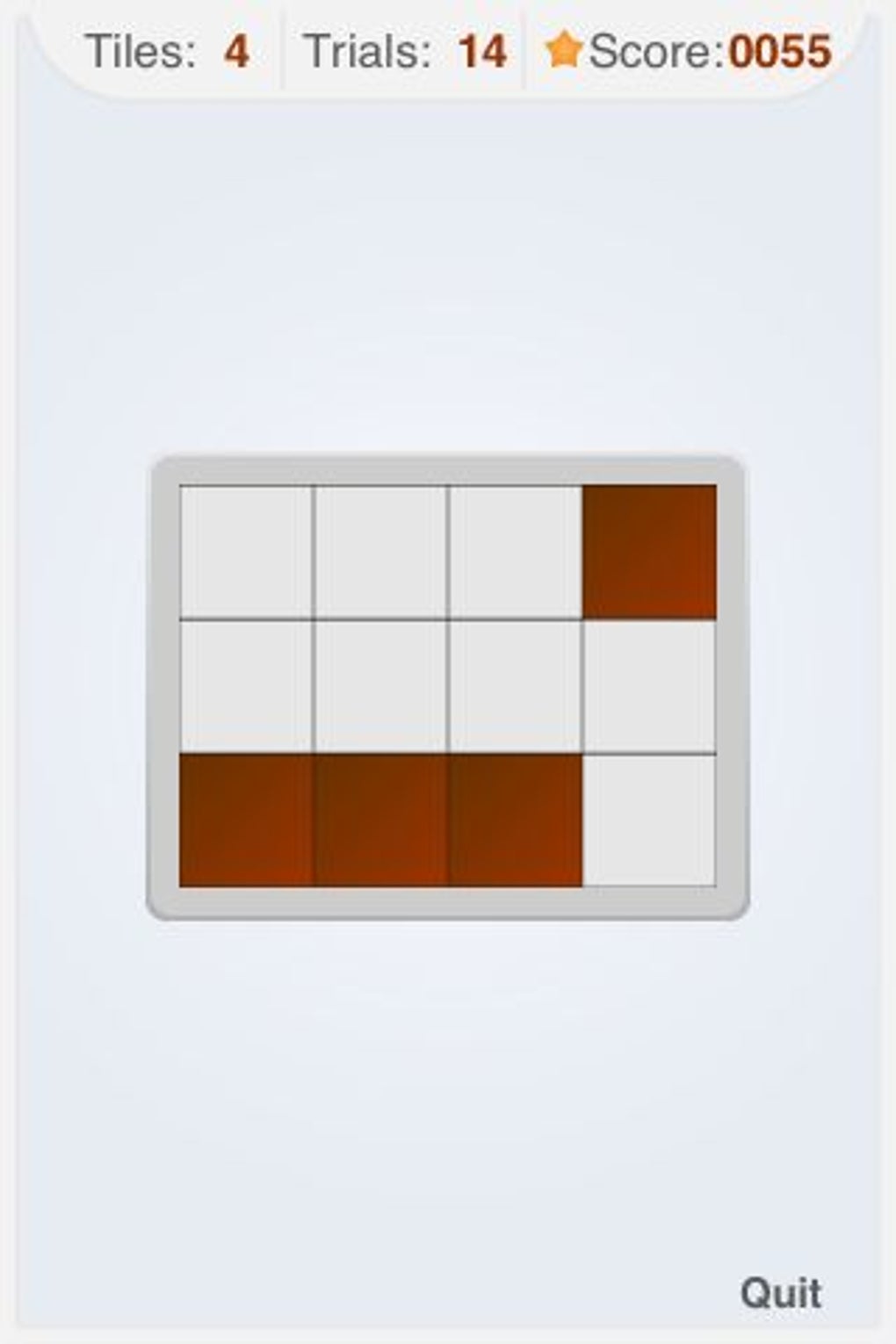
These features support users in building mental endurance and sharpening cognitive functions through gamified exercises. For example, a memory game may require recalling the sequence of shapes displayed briefly, while a processing speed challenge might involve identifying matching colors under time pressure. The structured format helps users integrate training into daily routines, making it accessible for busy individuals. However, the developer did not specify whether performance data is stored locally or in the cloud, nor were details provided about the depth of analytics available.
User Interface, Workflow & Performance
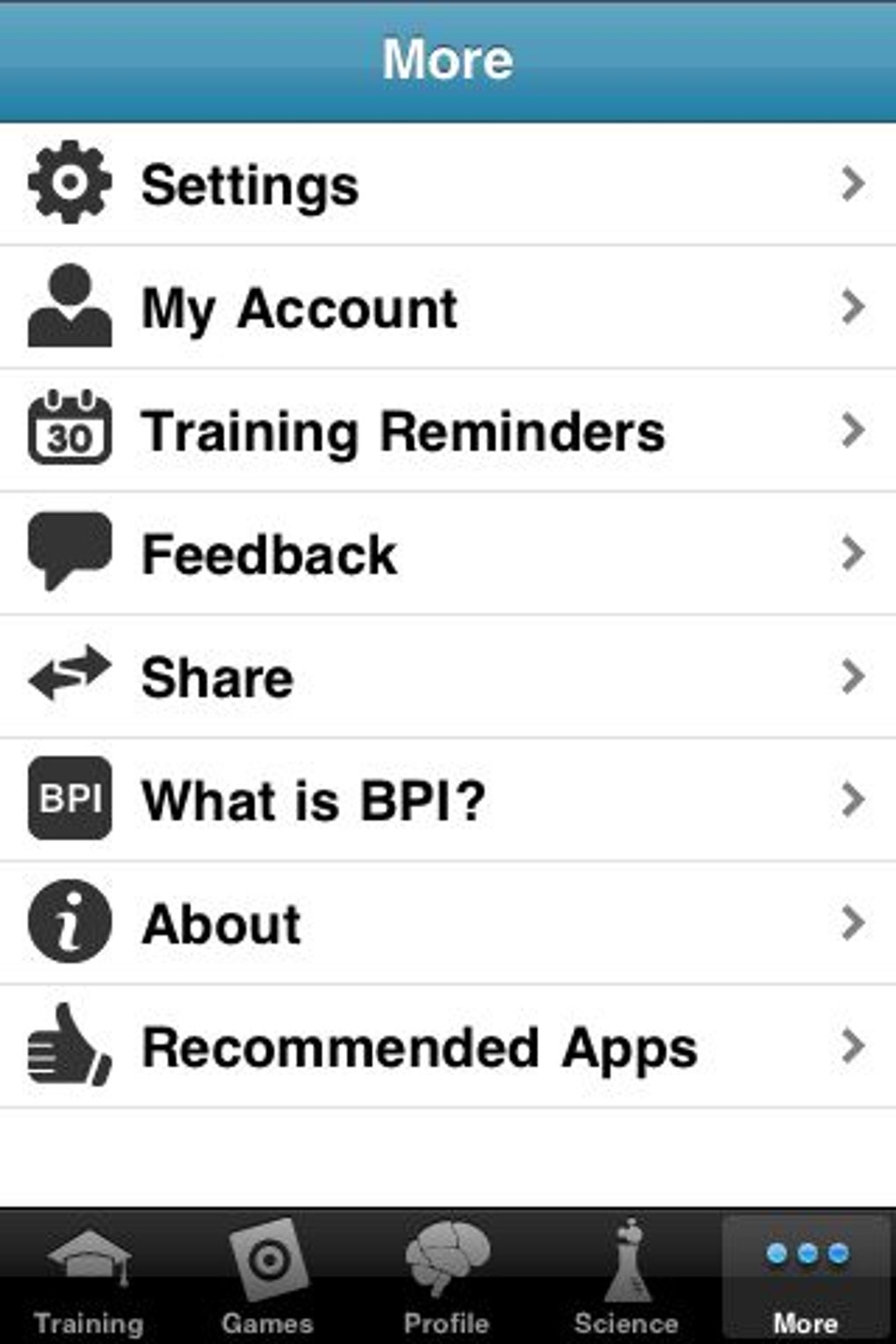
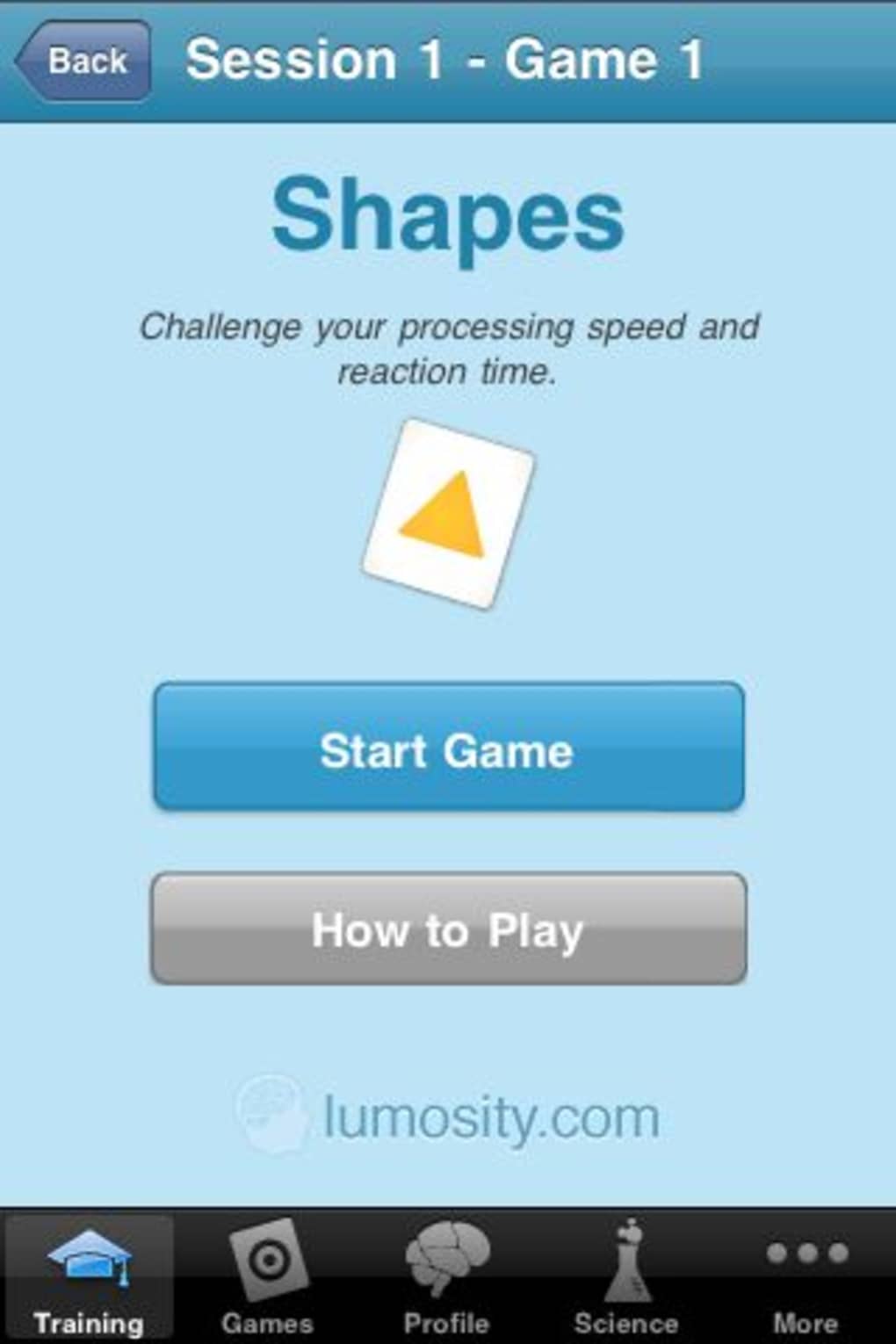
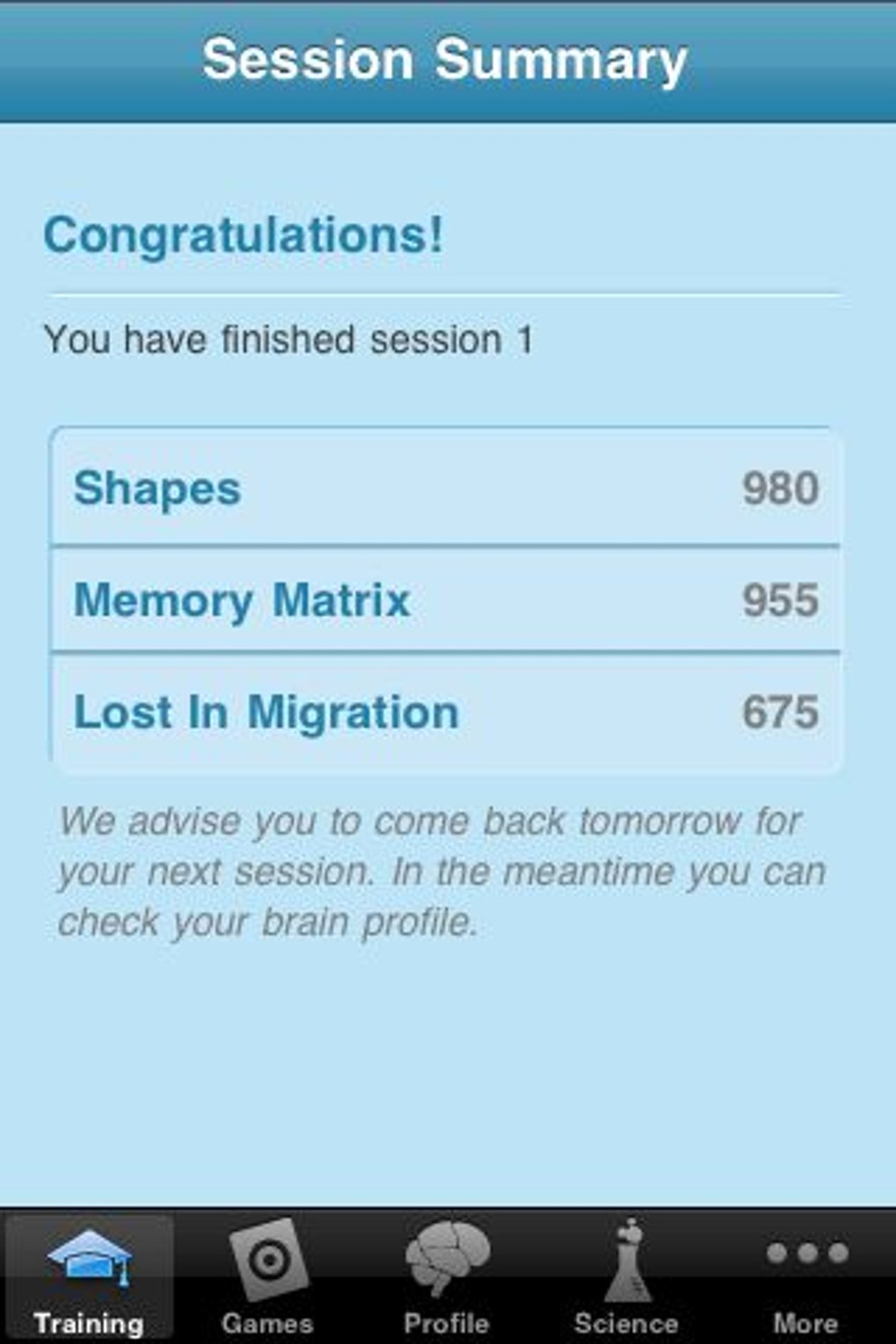
The user interface of Brain Trainer by Lumosity.com is designed for intuitive navigation on mobile devices, featuring clean layouts and minimalistic design elements. Game screens are visually distinct, with clear instructions and responsive touch controls. Navigation between sessions and game selection is straightforward, allowing users to progress through the course without confusion. The workflow is linear and consistent, with each session following a similar pattern: selection of three games, gameplay, and performance summary. This predictability enhances usability, especially for first-time users. The developer did not provide specific details about CPU or RAM usage, nor were performance benchmarks shared. General software behavior suggests stable operation under normal conditions, but exact resource consumption remains unspecified. Stability during extended use was not documented. The app appears optimized for iPhone hardware, though no information was provided about compatibility with other devices or screen sizes.
Compatibility & System Requirements
Brain Trainer by Lumosity.com is designed exclusively for iPhone, ensuring compatibility with Apple’s mobile ecosystem. The software version is 2.1.3, and the installation size is 220.4 MB. This indicates a moderate footprint, typical for mobile applications with multimedia content and interactive gameplay. The developer did not provide additional system requirements, such as minimum iOS version or hardware specifications. Compatibility information is limited to the device type, and no details were shared about support for iPad, Mac, or other platforms. Users should verify their device’s iOS version and available storage space before installation. The absence of detailed system requirements means that users must rely on Apple’s standard app installation process for compatibility verification.
Pros and Cons
Pros
- Structured 35-session cognitive training program
- Eight distinct game types targeting key mental skills
- Free trial offers initial access to core gameplay
- Intuitive interface suitable for daily use
- Designed to encourage consistent, short-term engagement
Cons
- Only one game type is fully accessible in the free version
- Five-session trial is insufficient for meaningful cognitive assessment
- Performance tracking lacks detailed analytics and visual charts
- No projection of brain age or personalized cognitive insights
- Exclusive to iPhone; no desktop or cross-platform availability
FAQ Section
Is Brain Trainer by Lumosity.com available for desktop?
The software is currently designed for iPhone only. There is no official desktop version available.
Can I use Brain Trainer by Lumosity.com without an internet connection?
While the app may function offline after initial download, full access to features and progress syncing requires an internet connection.
Is the free version of Brain Trainer by Lumosity.com secure?
As a product developed by Lumosity.com, the app adheres to standard mobile security practices. No data breaches or vulnerabilities were reported in the provided information.
How often should I play Brain Trainer by Lumosity.com?
It is recommended to play one session per day as part of the 35-session course to maximize cognitive benefits.
Does Brain Trainer by Lumosity.com offer updates?
Yes, the app is updated regularly. The current version is 2.1.3, and users are encouraged to keep their app up to date for optimal performance.
Final Thoughts + CTA
Brain Trainer by Lumosity.com presents a focused approach to cognitive enhancement through gamified exercises. Its structured course and variety of game types offer a promising foundation for mental training. However, the limited free access significantly reduces its long-term value, as only a single game type remains unrestricted after the initial trial. While the interface is user-friendly and the concept is sound, the lack of detailed performance analytics and the absence of a desktop version restrict broader appeal. For iPhone users seeking a short-term mental workout, the app provides a reasonable starting point. However, those seeking in-depth tracking, extended gameplay, or cross-device access may find it underwhelming. If you're committed to daily cognitive training and willing to subscribe for full access, it may be worth exploring. Download Brain Trainer by Lumosity.com now.
Guides & Tutorials for Brain Trainer by Lumosity com
How to install Brain Trainer by Lumosity com
- Click the Preview / Download button above.
- Once redirected, accept the terms and click Install.
- Wait for the Brain Trainer by Lumosity com download to finish on your device.
How to use Brain Trainer by Lumosity com
This software is primarily used for its core features described above. Open the app after installation to explore its capabilities.
User Reviews for Brain Trainer by Lumosity com 0
No reviews found





